Describe a direction.
Open a photograph with your agent. Speak in your own language. Ask for warmer light, quieter color, deeper shadows — or something harder to put into words.
A LOCAL PHOTO EDITOR FOR YOUR AGENT
That light. That feeling. A little closer to what you saw.
Describe it to your agent. Shape it with Façade.
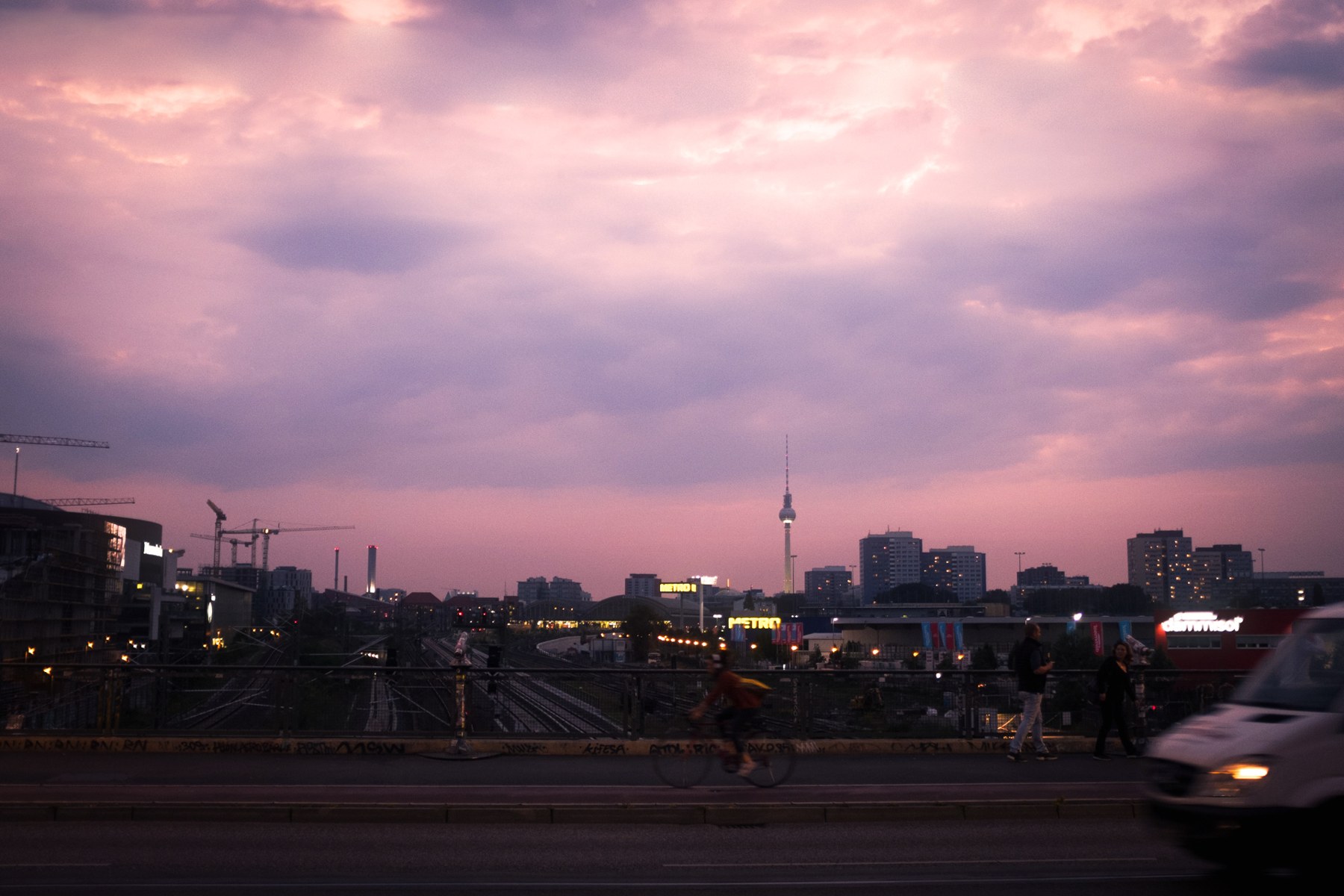
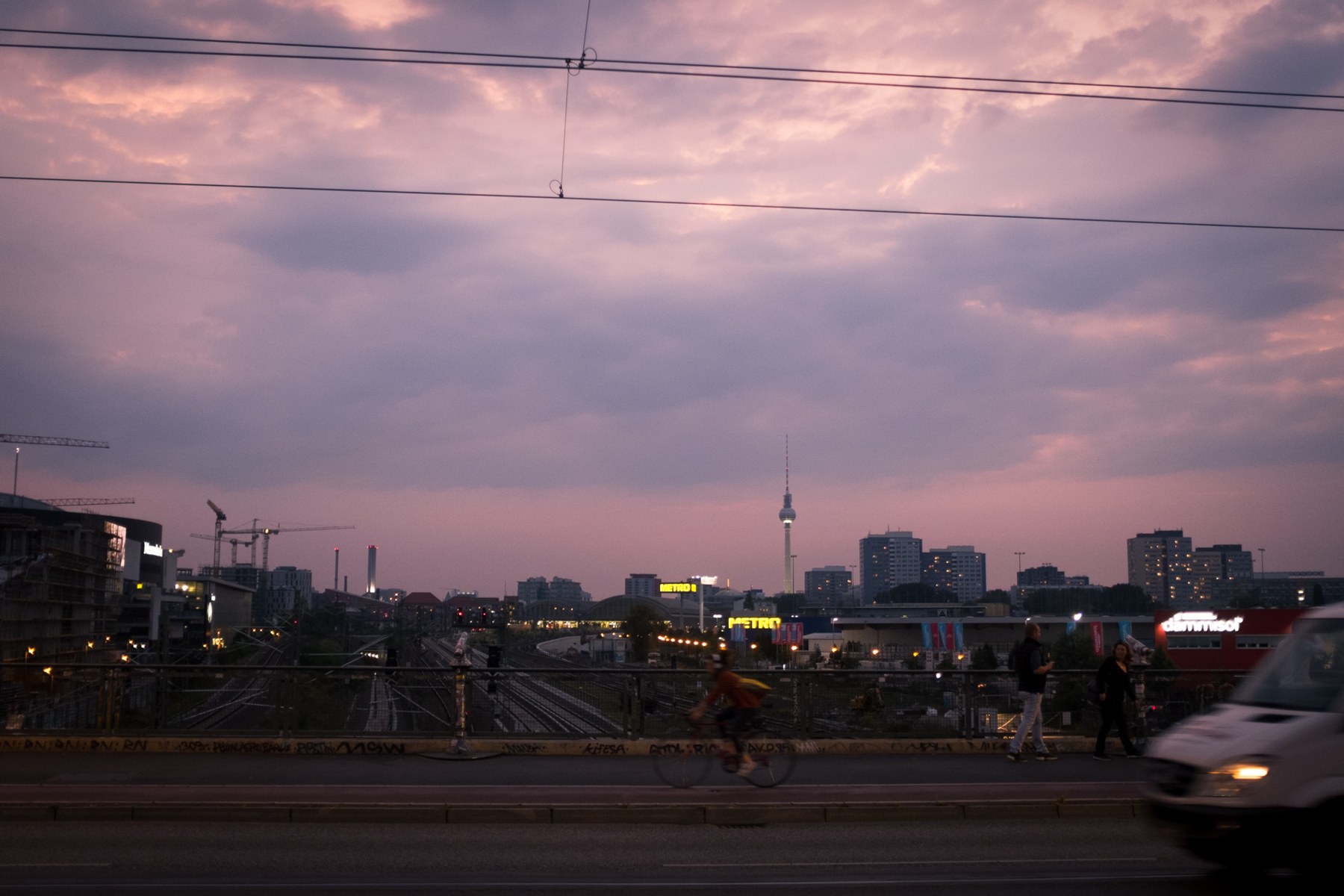 BEFOREWITH FAÇADE
Peach light. Lilac shadows. The same sky.
Color grading, bloom and wire removal, using the photograph’s own light and detail.
FROM A FEELING TO A PHOTOGRAPH
Open a photograph with your agent. Speak in your own language. Ask for warmer light, quieter color, deeper shadows — or something harder to put into words.
Façade lets the agent make edits and show you the result. Keep what works. Ask for another pass where it doesn’t.
Your original and editable revisions stay on your Mac. Return to an earlier version, take another direction, or export the result.
START WITH THE PHOTOGRAPHS
A trip, a place, a photograph you haven’t quite finished. Start the conversation there.
Show me my photos from California in 2025.
Of course. Pick a photograph and we’ll work on it.
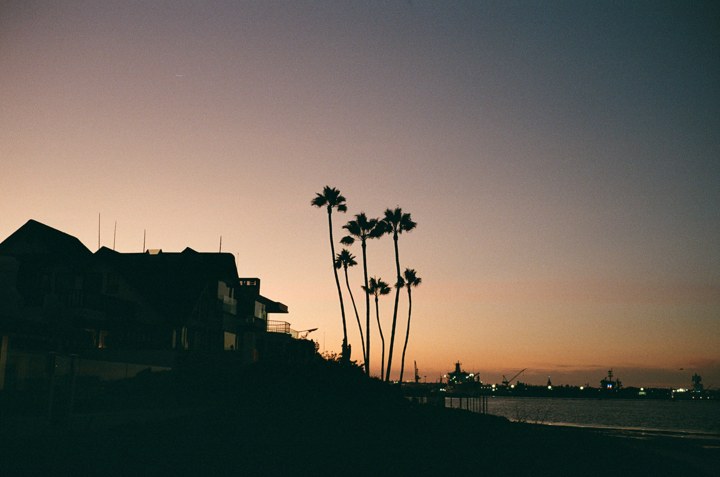
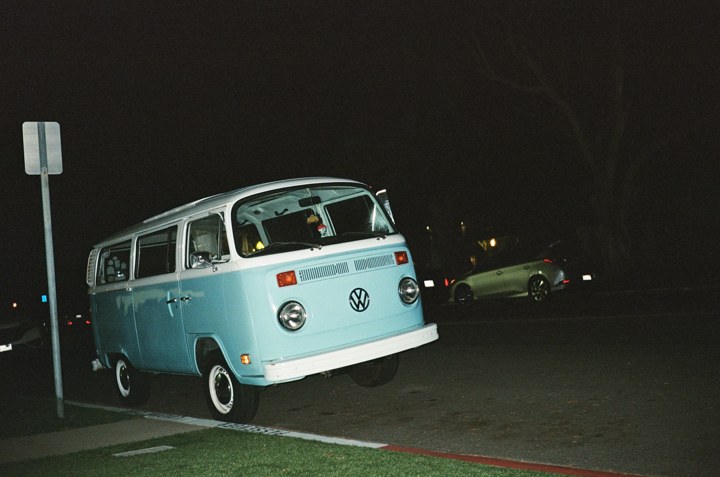
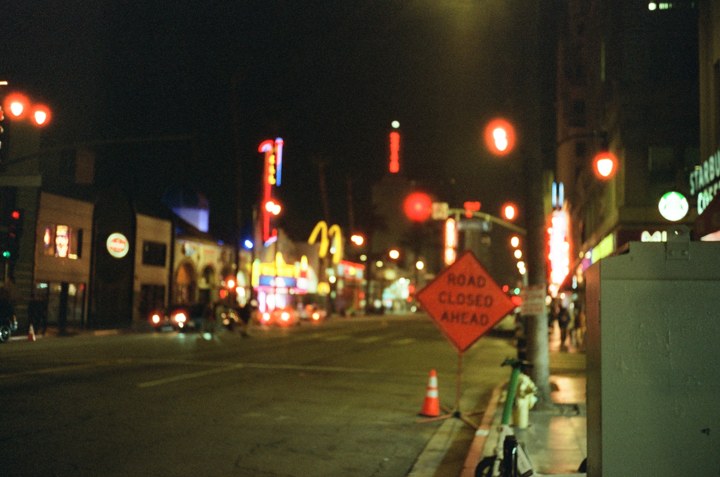
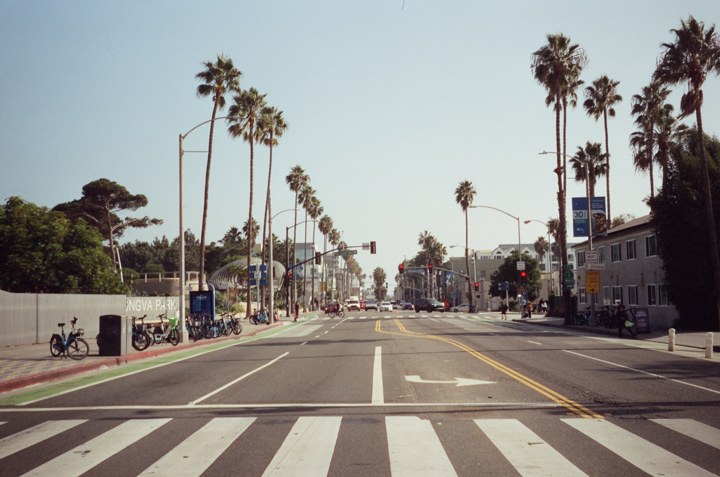
California, 2025 · real photographs, illustrative conversation.
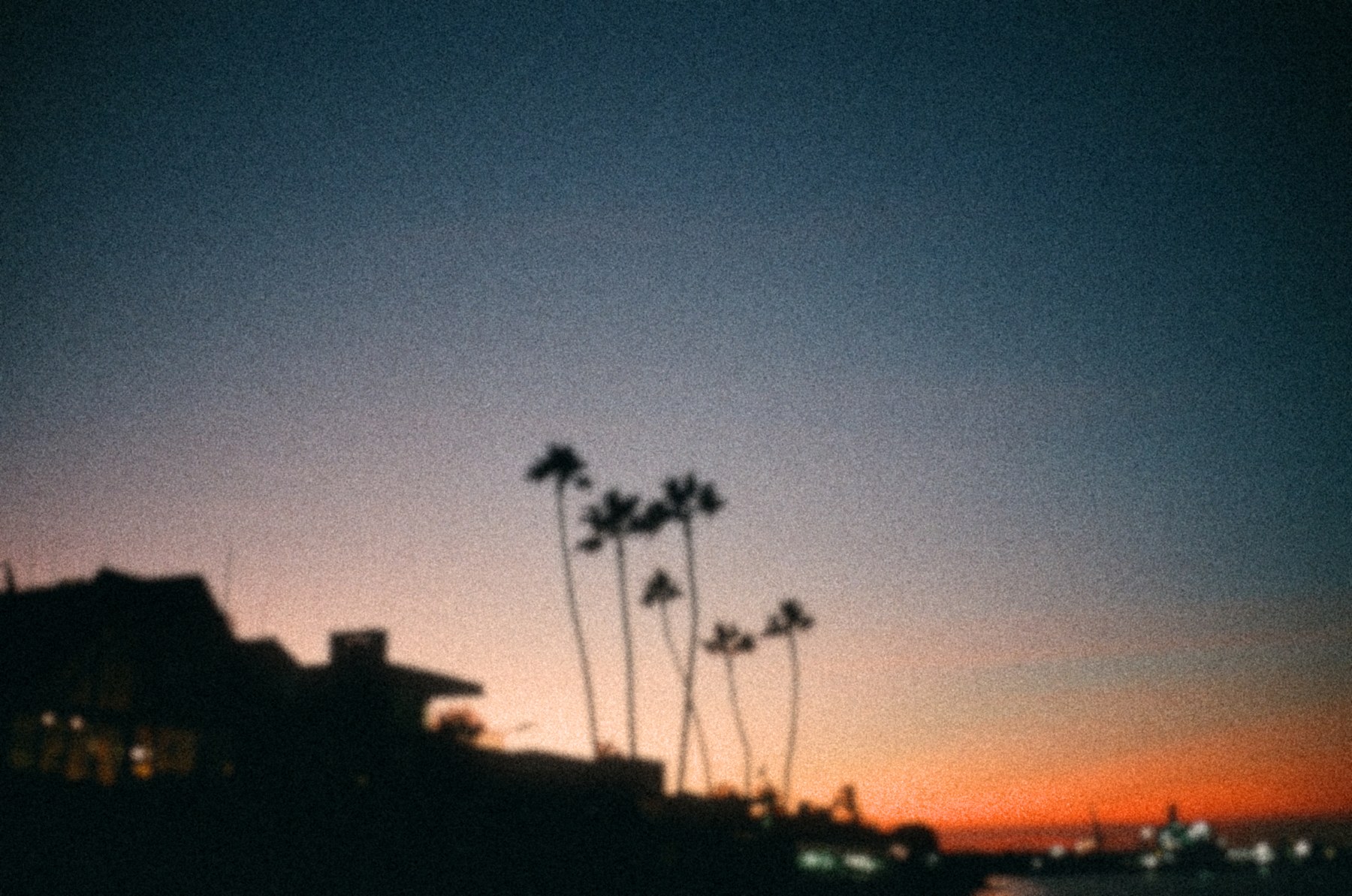
Less detail. More atmosphere.
Deliberate blur, deep silhouettes and heavy grain. Sometimes the direction is away from perfect.
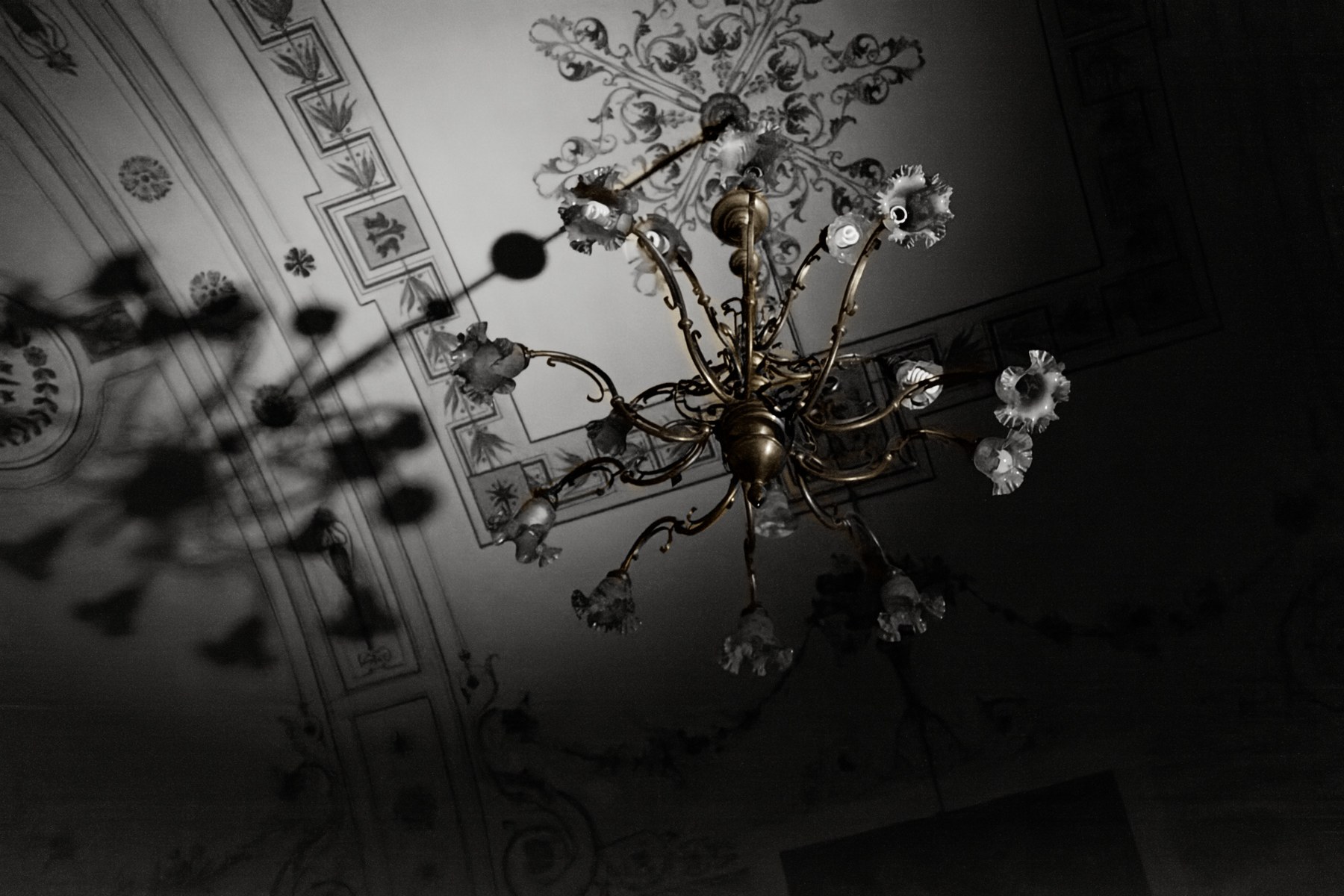
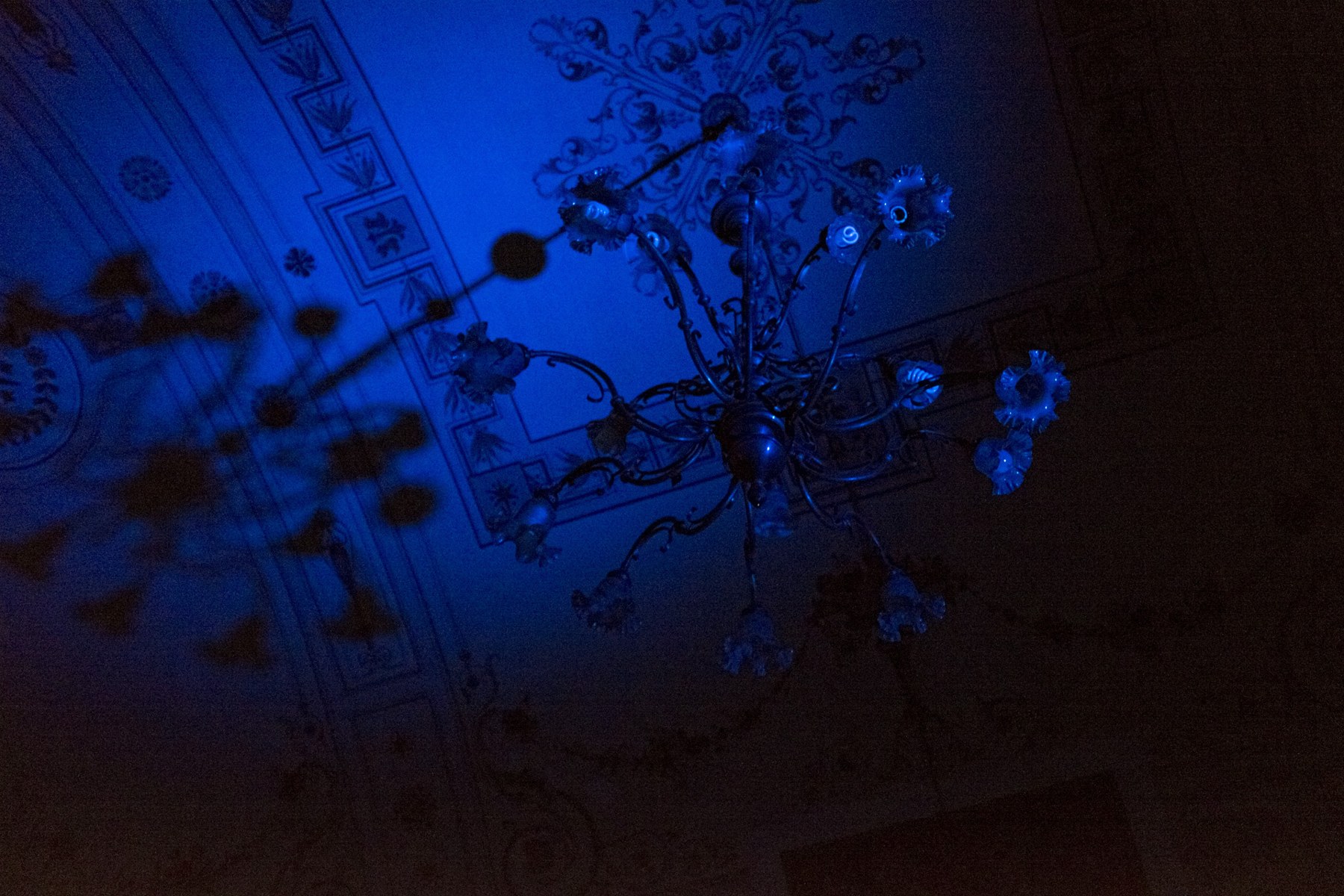 BEFOREWITH FAÇADE
Find the photograph inside.
Denoising, tonal adjustments and carefully masked color. The brass tone is an artistic interpretation, not recovered original color.
04 / RECOVERED FROM RAW
“This came out too dark.
Can you bring it back?”
Let your agent handle the adjustments. Façade develops the RAW, lifts the exposure and shapes the color — while keeping the original file.
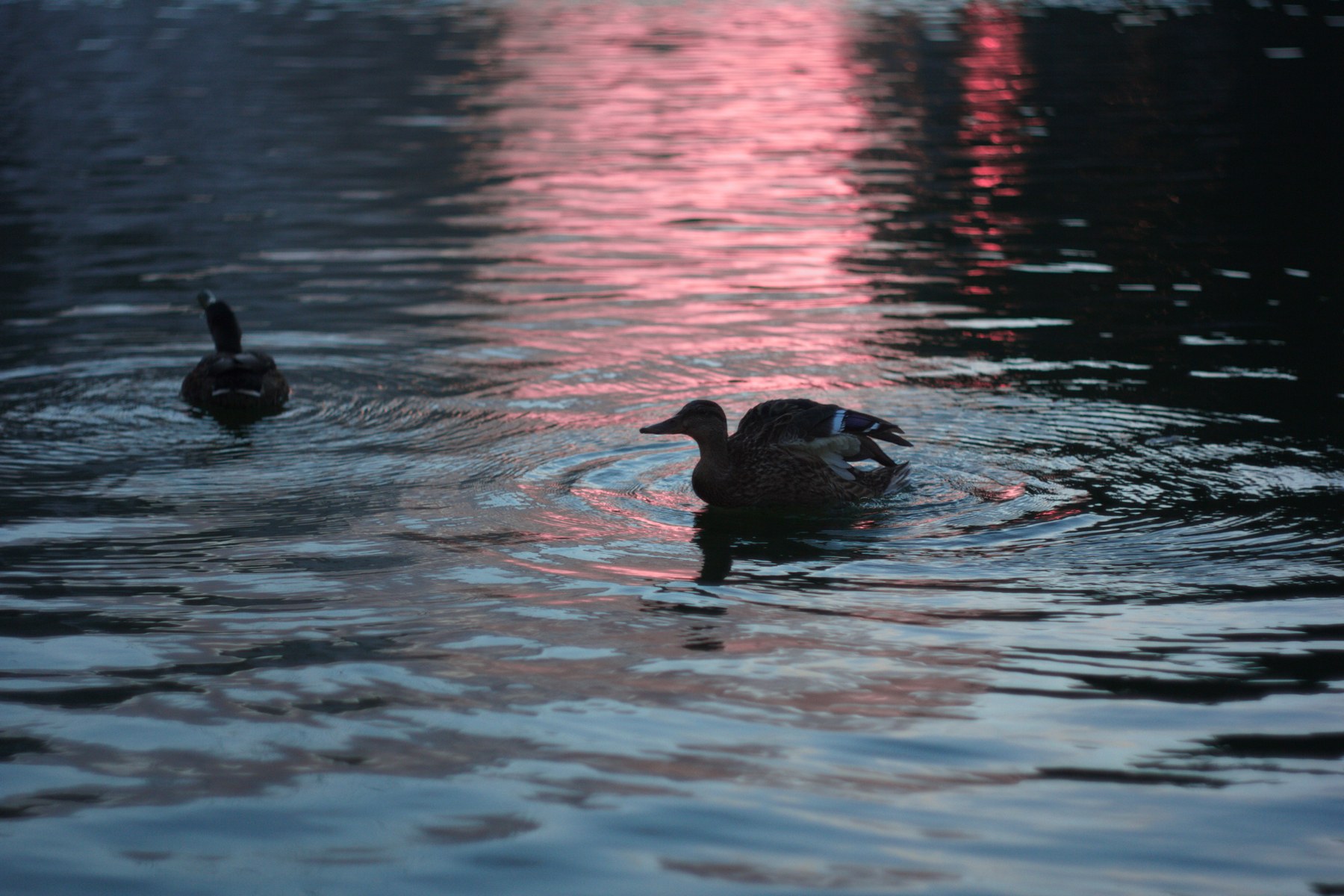
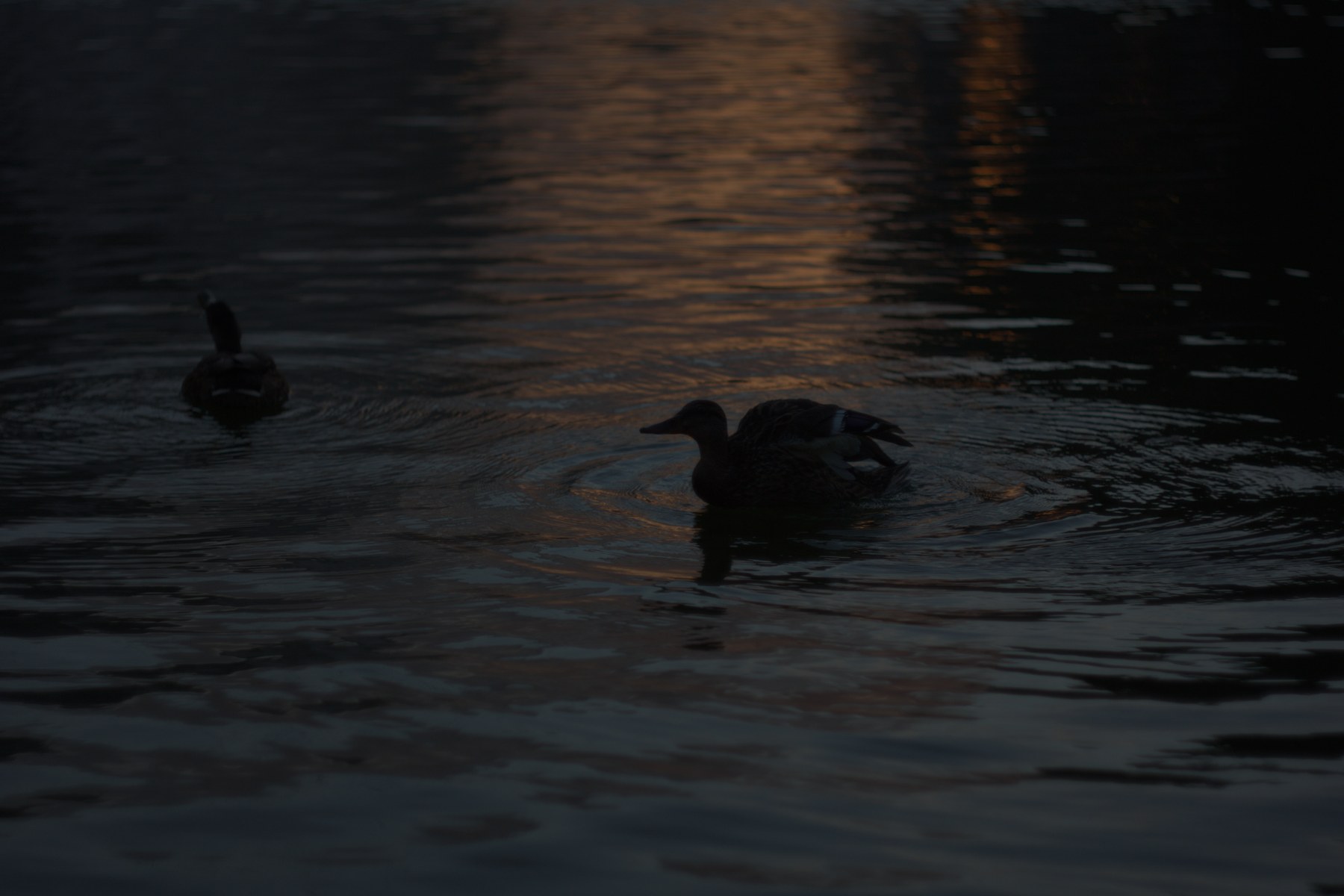 DEFAULT RAW DEVELOPMENTWITH FAÇADE
Readable detail. Luminous water. Still evening.
Default RAW development compared with the developed and graded result.
YOUR PHOTOGRAPH, ALL THE WAY THROUGH
“Keep the light. Remove the color tint.”
There’s a saved project behind every edit, so the conversation can continue.
Reopen the project, return to an earlier revision, or ask your agent to adjust or disable a specific correction. You don’t have to start again.
Curves, color, masks and retouching are explicit operations in the editor. The agent chooses the adjustments; Façade applies them deterministically, with saved settings you can revisit.
Keep the original file and export at full resolution, or choose a different size or crop. Export a PSD to keep working in Photoshop; the Façade project retains the individual correction settings.
PSD includes the original and processed image layers. Color corrections are baked into the processed layer; the full editable recipe stays in Façade.
Façade is the photo editor. Your agent is the collaborator. The editor is shared across agents; Codex and Cursor are the first hosts we’re preparing for the desktop release.
Photo processing and saved projects stay local. Previews shared with a cloud agent are sent to that agent’s provider — this is not a fully offline AI workflow.
FAÇADE FOR MAC
Public download coming soon.
We’re preparing the macOS release.
The download will appear here when it’s ready.